

Running a multi-author blog is a great way to build the content fast. However, you may need a few tools to make it easier.
If you want to allow your authors to chat with each other, you can use one of the plugins to make this happen. Here’s how it’s done.
Before you add chat for authors, you should know, it’s not going to allow chat on the front-end of your site. Instead, it will only be within the admin area. You can add free live chat to WordPress, but that’s a different subject for a different time.
Using the Author Chat Plugin
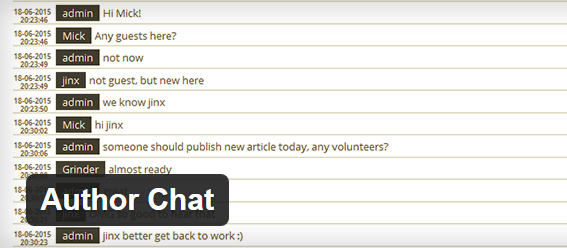
The Author Chat Plugin for WordPress makes it easy to add internal chat for your authors within your WordPress dashboard. This is a light weight system perfect for letting your authors chat and it will put the chat in a separate table within the dashboard.
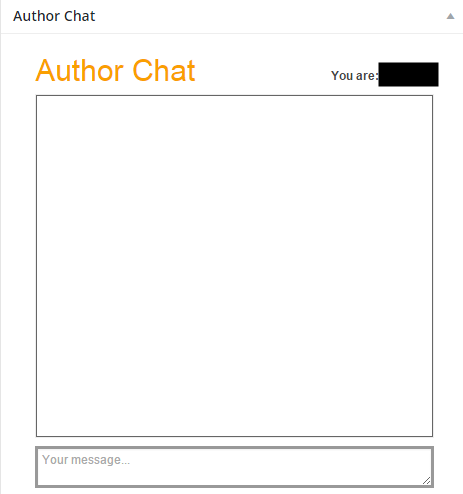
You will want to adjust the options for the plugin by going to the Author Chat Options section of your WordPress Dashboard. There is only one option to adjust, which is how many days you want to allow the chat history to remain active before it’s deleted.

The option will have a default of 30 days, but you can change it to anything you would like. If you think your authors will do quite a bit of chatting, you may want to lower the number to keep your WordPress backup file size smaller.
That’s all it takes and now you and your authors can chat by leaving messages or talking back and forth in the chat box.
There are many other ways you can add chat to a multi-author WordPress website. However, using the Author Chat Plugin is free and provides an easy way for anybody to add chat to the backend of their WordPress website.
