

If you use Facebook, you are familiar with an autocomplete feature that will easily let you complete names, places and pages very quickly. This feature makes it very easy to tag people on Facebook.
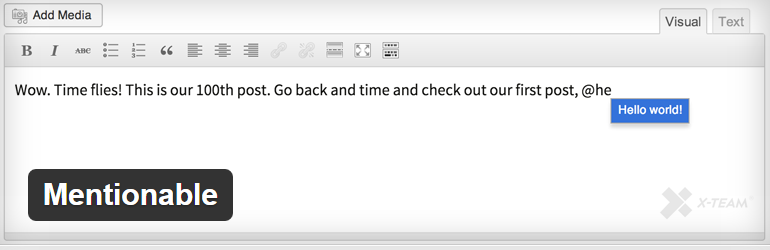
Did you know, you can add a similar feature to your WordPress post editor? It will let you easily find and mention older posts with the @ symbol and a word within the title of the post. Here’s how it works.
Using the Mentionable Plugin for WordPress
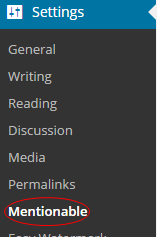
Before you do anything else, you need to install the Mentionable Plugin for WordPress. Once activated, the plugin settings can be found within your dashboard by going to Settings>>Mentionable.
On the settings page, you can make a few adjustments to customize the plugin.

By holding down the CTRL button, you can select where you want the autocorrect to be activated and where you want it to come from. You can even use a custom template if you’re an advanced user.
Once you have this section set up the way you want, click the “save changes” button and you’re ready to use the plugin.
You will notice when you type @ and a word from the post you want to mention, it will autocorrect for you in a post or page editor, depending on your settings. This will make on page SEO much easier because you will be able to easily interlink to other posts and pages on your website.
That’s all it takes. With the Mentionable plugin for WordPress, you can easily as a Facebook-style autocorrect to your post and page editor. There are many benefits to using better internal links on your website and this plugin is one of the easiest tools to add to your site to make this much easier to do.
