

Adding LinkedIn to your WordPress website can help you to win over new clients. There are several ways to go about adding it. Here are some of the top ways to add LinkedIn to a WordPress website.
What to do First?
Before you add LinkedIn to WordPress, you need to spend time customizing your profile. This will help you to get the most out of LinkedIn when you add it. Make sure the URL is optimized for LinkedIn. You will want to customize your profile URL so that it doesn’t end in numbers.
Go through and fill out all the sections with good content. Don’t leave anything blank or with just sparse content. You can also weave in a few keywords here and there, but don’t go overboard. If you keyword stuff, you will not gain any advantage.
You can also add media to show off your talents or to feature work. This makes it easier to show off what you have to offer.
Finally, make sure you adjust your privacy settings to make your profile visible. The last thing you want to do is a ton of work to make your LinkedIn Profile stand out just to keep anybody from seeing it.
Integrate LinkedIn into WordPress
You can manually integrate LinkedIn into WordPress, but this is a bit more difficult than using a plugin. Here are some of the plugins you can use to connect LinkedIn with your WordPress website.
Company Insider Plugin Generator
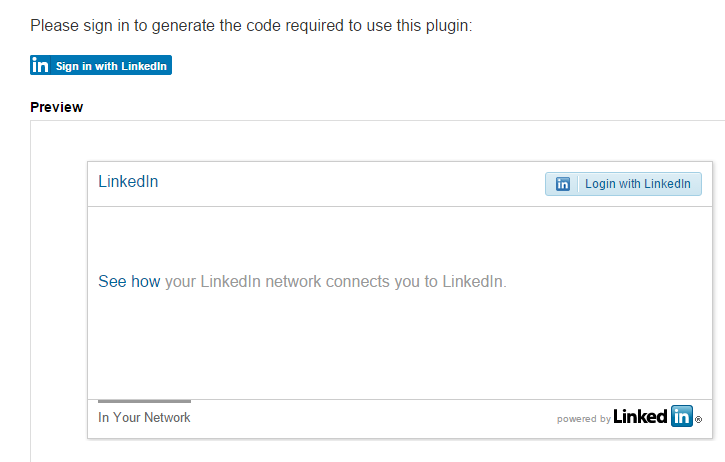
The Company Insider Plugin is perfect if you have a large number of employees. It will display each one with their linked in profile on your website. This can be done without much effort once the plugin is installed.
Member Profile Plugin Generator
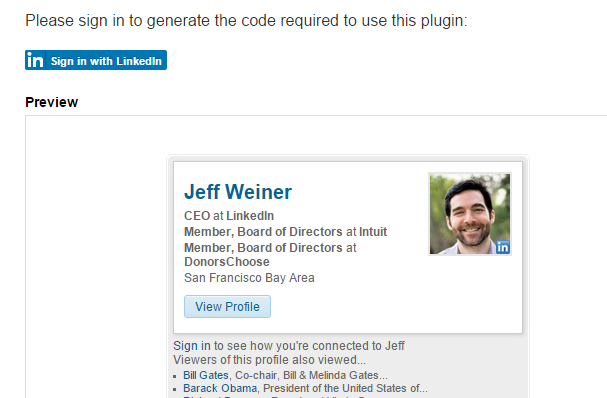
The Member Profile Plugin allows you to easily add your profile to your website. This is one of the easiest ways to feature your profile in the sidebar or in the footer of your site.
FP LinkedIn Profile
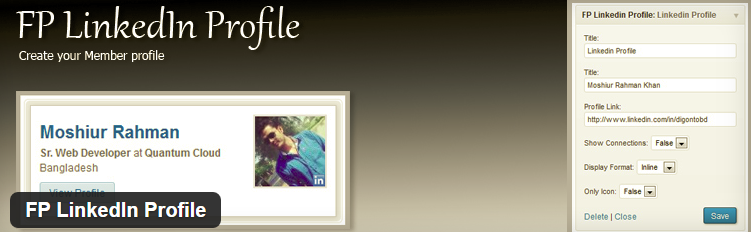
If you want to show off your profile and you want to do it with ease, the FP LinkedIn Profile is the way to go. this plugin makes it easy to add your profile in many different ways.
WP LinkedIn
Another plugin allowing you to insert your profile easily is the WP LinkedIn Plugin. You can easily add your profile in just a few clicks once this plugin is installed and activated.
WP LinkedIn Multi-Users

For those with multiple site users, the WP LinkedIn Multi-Users Plugin is the perfect choice. This plugin will allow you to show multiple profiles and give you an easy way to do so.
LinkedIn Master
Maybe the best plugin you can use for integrating LinkedIn with WordPress is the LinkedIn Master Plugin. This plugin will give you plenty of great features in the Lite version. However, if you upgrade to the Advanced version, you can really gain power with LinkedIn and WordPress.
These are just a few of the many ways to get LinkedIn integrated with your WordPress website. They all provide a way to display your profile and do many other things with LinkedIn on your website.
